Crazy Time on Mobile: How to Play on a Smartphone Without Lag
Crazy Time is often included in welcome offers, free bets, or loyalty promotions — the exact terms depend on the casino and your region. Below is the basic process to claim a bonus and avoid common restrictions.
 Legal casino (DGOJ)
Strategies review
Demo in browser
Legal casino (DGOJ)
Strategies review
Demo in browser
US 18+
Play responsibly
Only licensed operators
Crazy Time on Mobile: How to Play on a Smartphone Without Lag
In live games with a real-time stream, delays and micro-freezes are felt more sharply than in regular slots. Crazy Time is a dynamic game with rounds, bet timers, and a visually dense interface, so connection stability and sensible device settings matter more than sheer phone “power.”
This article explains how the mobile version works, where lag comes from, and what you can actually do to play comfortably on a smartphone.

How the Mobile Version of Crazy Time Works
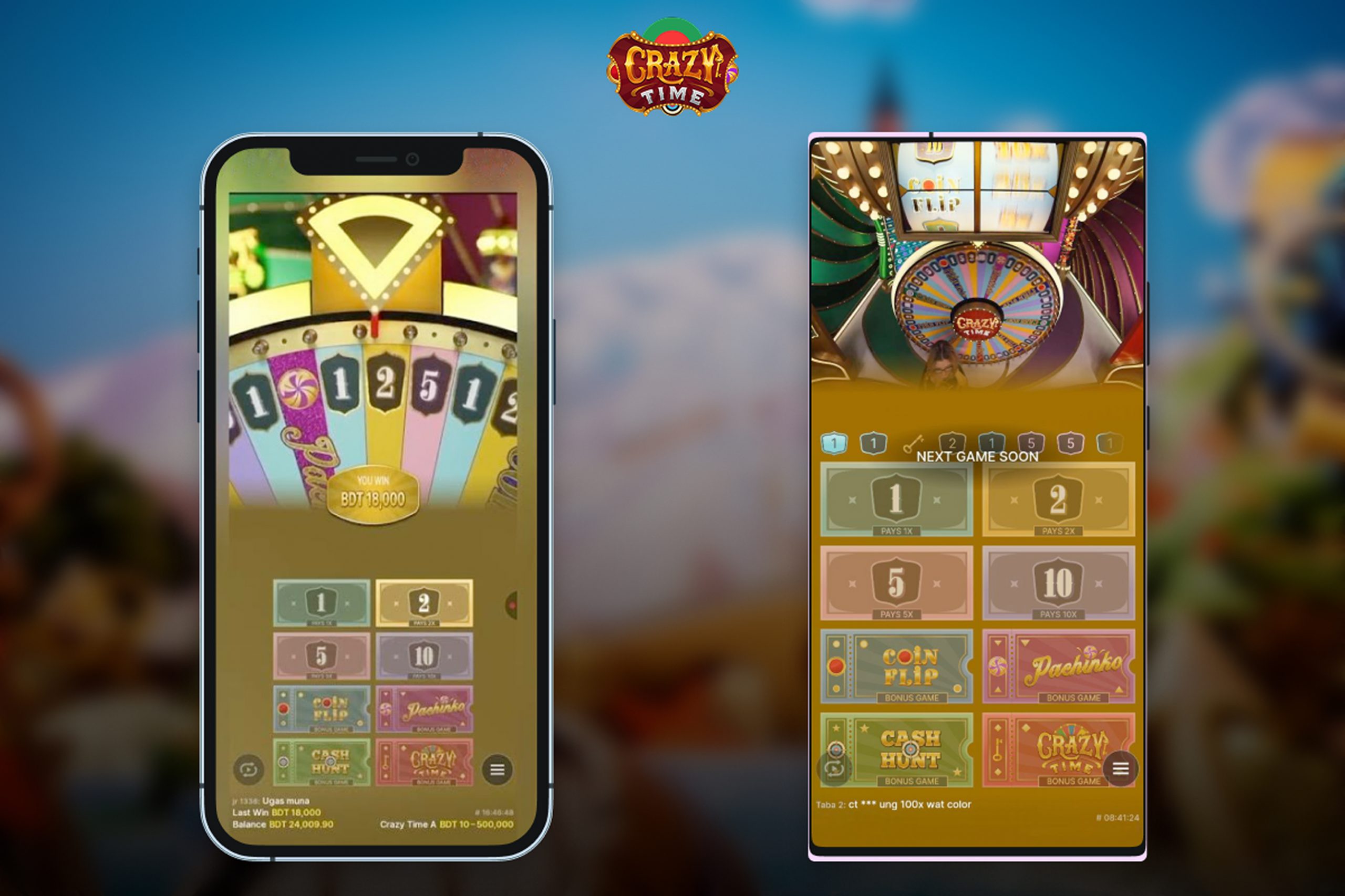
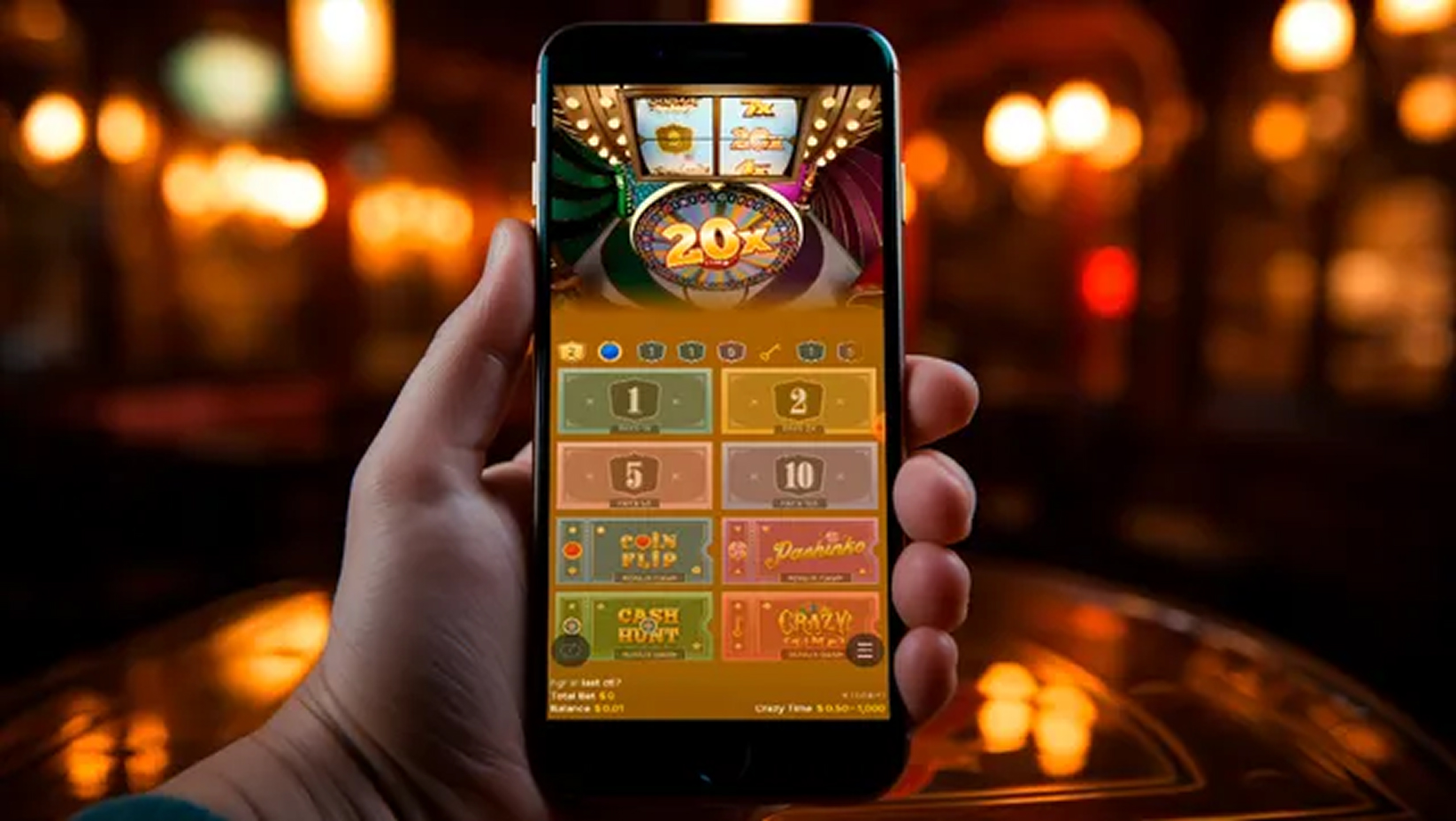
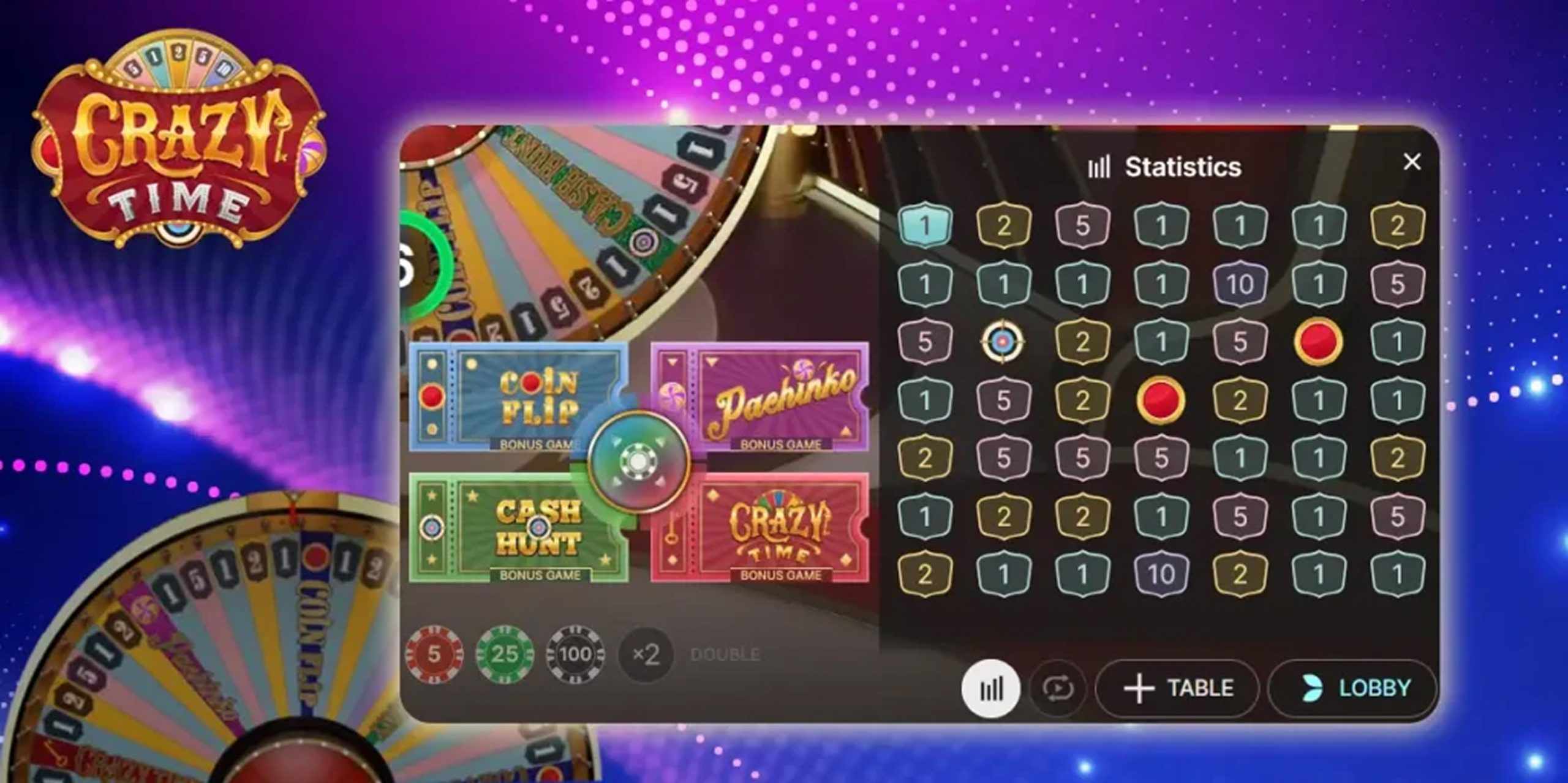
Crazy Time is delivered as a low-latency video stream over HTML5. An interactive layer sits on top of the video: the betting grid, timer, quick-bet buttons, result history, and chat. Everything runs in the browser without plugins.
On mobile, the interface adapts to screen size. In portrait, video usually dominates and the betting panel collapses or appears via a gesture/button. In landscape, there’s more room for the betting grid and history. Exact elements and layout depend on the client version.
Bet timers and round parameters are fixed by the game, but exact values may vary depending on the game version and operator. That also applies to visual animations and client-side options like quick re-bet.
Launch Options on Phone: Browser, In-App Webview, and PWA
Players typically launch Crazy Time in three ways. First, directly in a mobile browser. Second, inside a native app’s built-in webview. Third, as a PWA shortcut added to the home screen, where the browser runs the site in a separate window.
Browsers usually get compatibility updates first: new codecs, energy optimizations, improved gestures. Webviews may restrict system gestures and notifications but often control background behavior more tightly. PWAs provide quick access and a cleaner full-screen experience without the browser’s top bar.
If predictability and stability are your priority, start with an up-to-date browser. If you want a more “app-like” feel, try a PWA. In-app webviews can be convenient, but sometimes add their own constraints on top of the browser engine.
Where Lag Comes From: A Technical Map of Issues
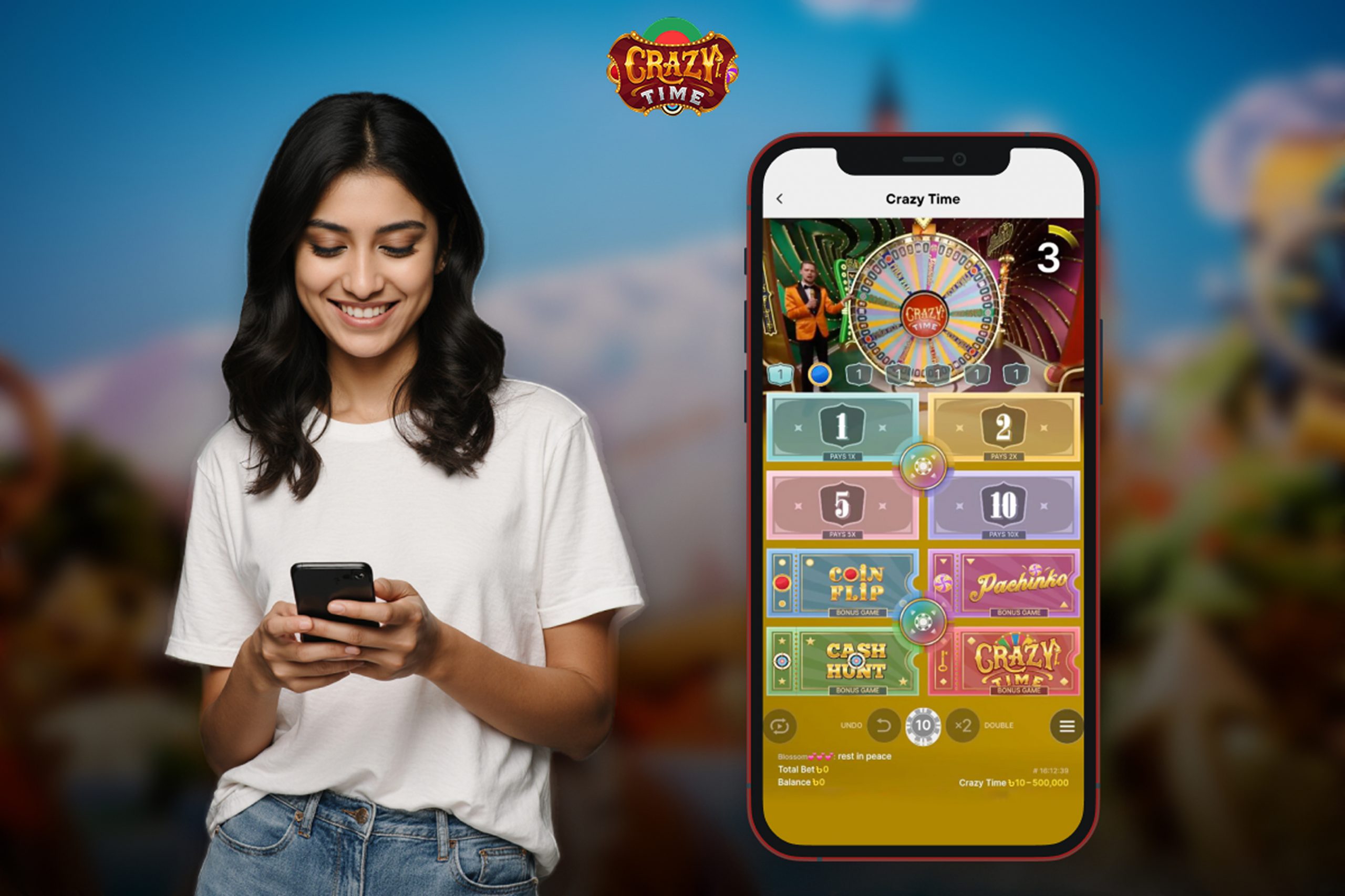
Lag isn’t one problem. It’s the result of multiple bottlenecks: network, video stream, UI rendering, device heat, and background processes. It helps to match the symptom to a likely cause.
Symptom-to-Fix Table
| Symptom | Likely cause | What to do |
|---|---|---|
| Video stutters every few seconds | Flaky Wi-Fi signal, overloaded access point | Switch to 4G/5G or another Wi-Fi; move away from a congested router; stop downloads/streaming on the same network |
| Disconnect exactly during betting | Cell handover, weak signal, VPN enabled | Play from a static spot; temporarily disable VPN; choose a location with stronger signal |
| UI feels choppy while video is fine | Heat and CPU/GPU throttling, low free RAM | Lower video quality; close heavy background apps; cool the device, remove thick case, reduce screen brightness |
| Audio drifts out of sync | Low-latency buffer resync | Switch to a “stable/standard” stream mode, reload the page, allow the buffer to build for a few seconds |
| Taps on bets don’t register in time | System gestures overlap UI, small touch targets | Rotate to landscape, increase UI scaling if available, limit navigation gestures/overlays during play |
| Occasional animation “stepping” | Disabled hardware acceleration/low refresh rate | Update the browser; use a higher-refresh display if available; close floating overlays/widgets |
| Instant hitches on incoming calls/alerts | Audio focus capture, network interruption | Enable Do Not Disturb during sessions, disable auto-replies and pop-up managers |
If the issue is network-related, “speeding up the device” won’t help. If the issue is heat/rendering, changing networks won’t save you. Identify the weak spot and fix it directly.
What You Control: Practical Settings and Modes
You can’t change server-side stream parameters, but you can control several local factors: network choice, latency mode, video quality, and device “hygiene.”
Network choice Video quality Latency mode Device environment Session control UX Details on Small Screens: Don’t Lose Seconds
Portrait is convenient one-handed but can hide key panels behind tabs. Landscape exposes the grid and history, reduces mis-taps, and speeds up repeat bets.
Element sizing matters. If the grid looks tiny, check for “large elements” or chat-hide options to free space. Turning off chat and secondary panels reduces render load and visual noise.
System gestures and overlays can conflict with the UI. Floating buttons, screen recorders, and chat heads may sit on top of betting areas. Hide them during play so taps land before the timer expires.
Audio and haptics. Beeps for timers and light vibration help with timing. Use Do Not Disturb to keep only game audio if notifications are distracting.
Performance and Adaptive Video: Under the Hood
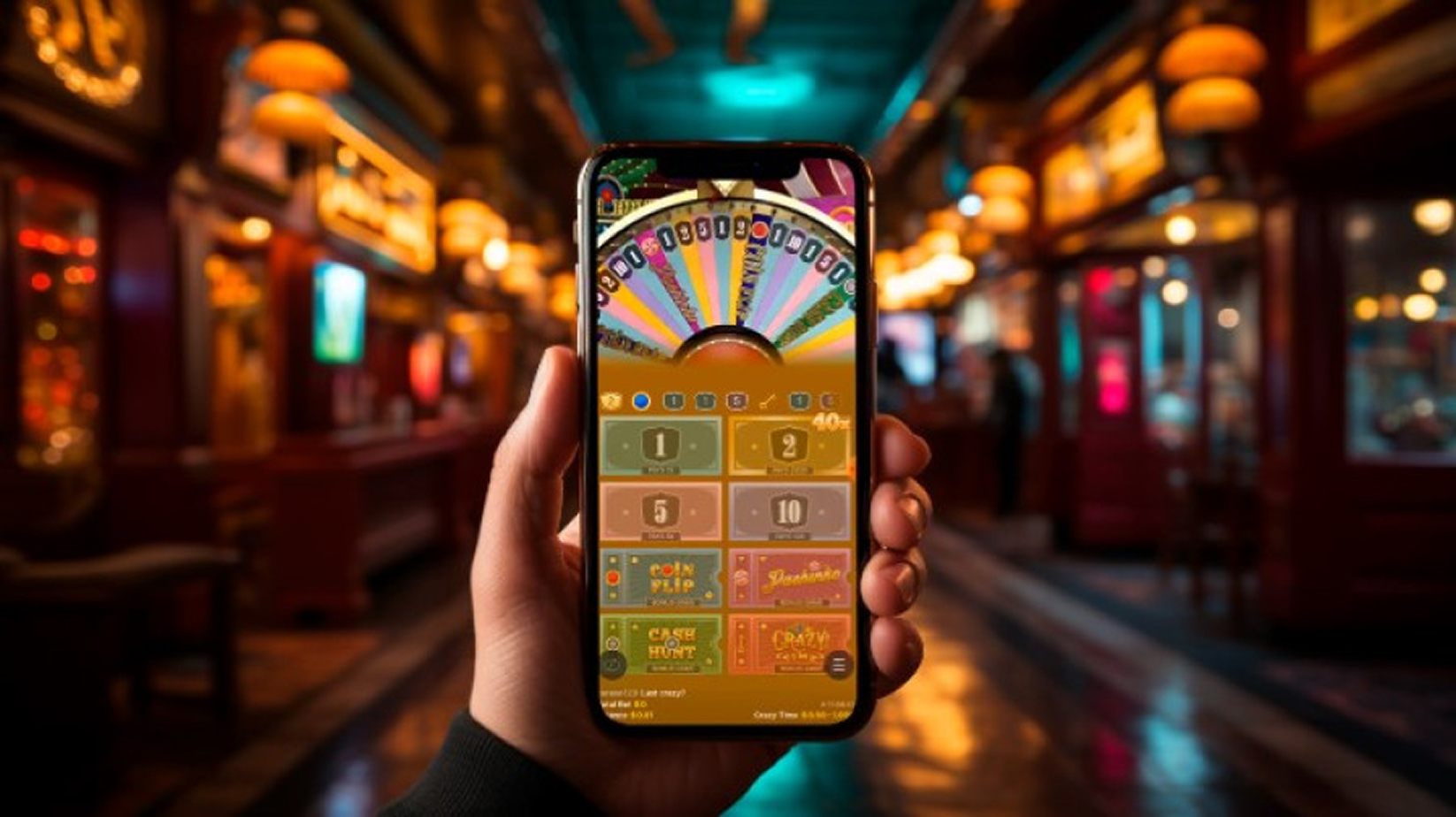
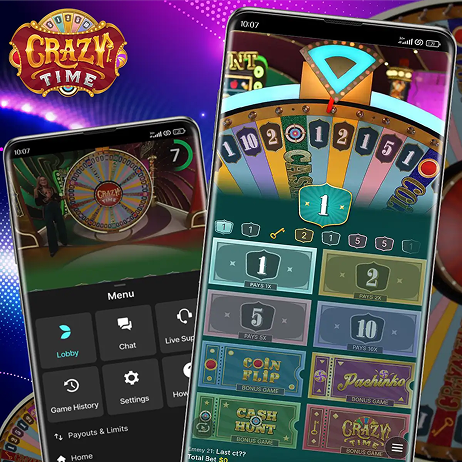
The mobile client receives adaptive bitrate video. When the network worsens, the stream lowers resolution or frame rate to stay live. Low latency is achieved with small segments and aggressive buffering.
There’s a trade-off between “near real time” and stability. A short buffer is sensitive to jitter. A slightly longer buffer improves smoothness at the cost of added client-side delay. On mobile, stability is the safer choice if you move around or your signal varies.
Codecs and energy efficiency depend on device and browser. Hardware decoding lowers load and heat. Updating your OS and browser isn’t cosmetic; it hands work to the video block instead of burning CPU.
Memory also matters. After long sessions, a tab can swell with cache and objects. Refreshing the page occasionally frees resources, especially on devices with limited RAM.
Common Mistakes and Misconceptions
-
 “Wi-Fi is always better than mobile data.” Not always. A crowded public Wi-Fi with high jitter causes more lag than a stable mobile cell.
 -
“The higher the video quality, the better the experience.” On unstable networks, high quality triggers buffering at the worst moments. Adaptive or lower quality often improves overall comfort.
-
“VPN makes connections faster.” Rarely. VPN usually adds latency and instability. It can be useful for other reasons, but not for low-latency streaming.
-
“A flagship phone means zero lag.” Heat and thermal throttling affect any device. Even fast phones slow down when overheated, especially in thick cases and at high brightness.
-
“Reloading fixes everything.” It helps clear state, but won’t solve fundamental network or power-saving issues that are choking CPU frequencies.
Mini-Checklist for Stable Mobile Play
-
Update OS and browser to the latest version.
-
Close heavy background apps and enable Do Not Disturb.
-
Choose the network with the lowest jitter: solid Wi-Fi or stable LTE/5G.
-
Disable VPN and overlays during the session.
-
Use standard latency or reduce quality if stutters appear.
-
Rotate to landscape, hide chat and secondary panels to get larger tap targets.
-
Lower brightness, remove thick case, keep the device cool.
-
Refresh the tab during long sessions to free memory.
Evolution of Mobile Live Streaming: What’s Next
-
The shift from plugins to HTML5 made mobile live games the default rather than a compromise. Fourth and fifth-generation networks reduced average latency, and adaptive video now balances quality and stability more precisely. Next up: more efficient codecs and shorter delivery segments. That will reduce hiccups and improve A/V sync even with moderate network dips. At the same time, mobile UIs keep simplifying: larger touch targets, modes that emphasize one or two primary panels, adaptive gestures. Live show design is also adapting to mobile: readable animations, clear bet-time cues, trimmed transitions between phases. Exact durations and visual parameters may vary depending on the game version and operator, but the trend toward mobile readability is steady.
FAQ
Public networks are congested and high jitter breaks short buffers. A private LTE/5G cell is often more stable.
No. If your network breathes, standard mode with a bit more buffer yields fewer drops.
Yes. Lower bitrate reduces bandwidth pressure and buffering risk during betting.
Sometimes useful in long sessions to free memory and reset decoders.
That’s local rendering and thermal throttling. Close background apps, cool the device, reduce brightness.
Often yes. More space for the betting grid and larger tap targets means fewer mis-taps on the timer.
You can, but battery saver reduces CPU frequencies and can add micro-lag. Better to disable it during play.
It reduces distractions and render load, especially on older devices.
Conclusions
For Crazy Time on mobile, the key to avoiding lag isn’t “the most powerful phone” but a controlled environment: stable network, sensible buffer, appropriate quality, and a clean device context. Add UI habits like landscape mode, hiding non-essential panels, and disciplined timing during bet windows.
Exact game parameters, including phase durations and some client settings, may vary depending on the game version and operator. The stability principles remain the same: control network, cooling, and background processes, and your mobile session will be predictable and comfortable.